02 · Budget & money
Household budget Kotitalouden budjetti 2027
A plan for the year and monthly actuals in Excel, with bank statement rows sorted into budget lines by rules. Plus a printable PDF book.
€9.90incl. VAT · Excel + PDF · 35 A4 pages
- 01A plan for the year and actual figures month by month
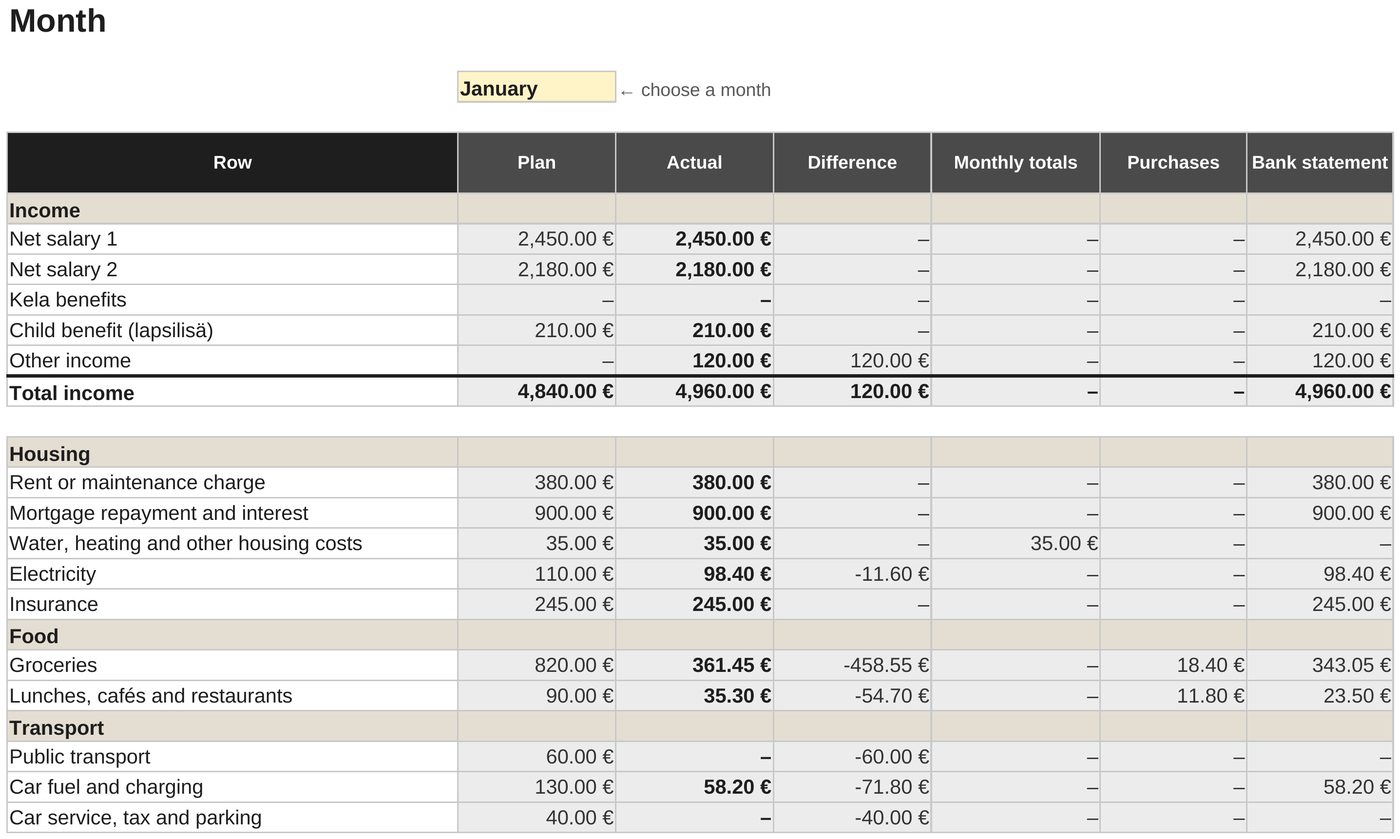
- 02Enter actuals as totals, single purchases or a bank statement sorted by rules
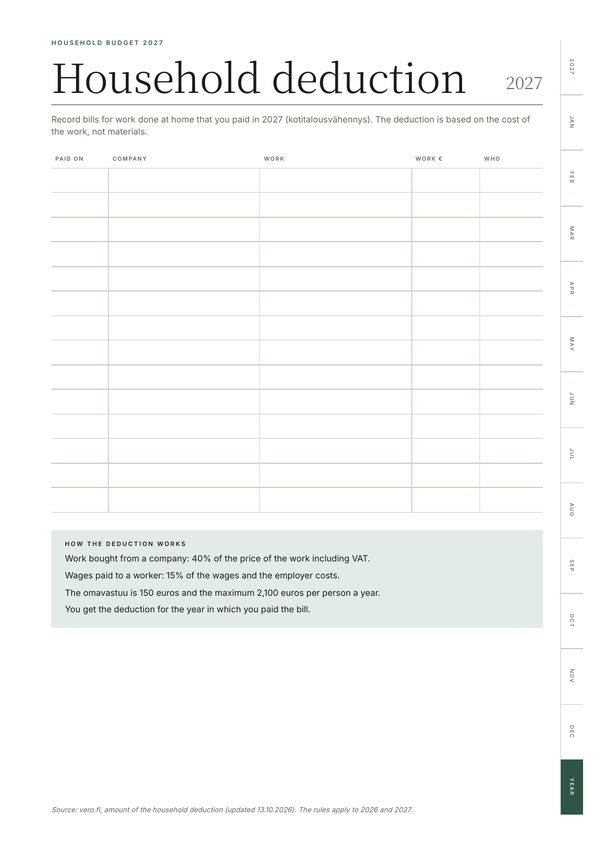
- 03Savings goals, debts and the 2027 household deduction
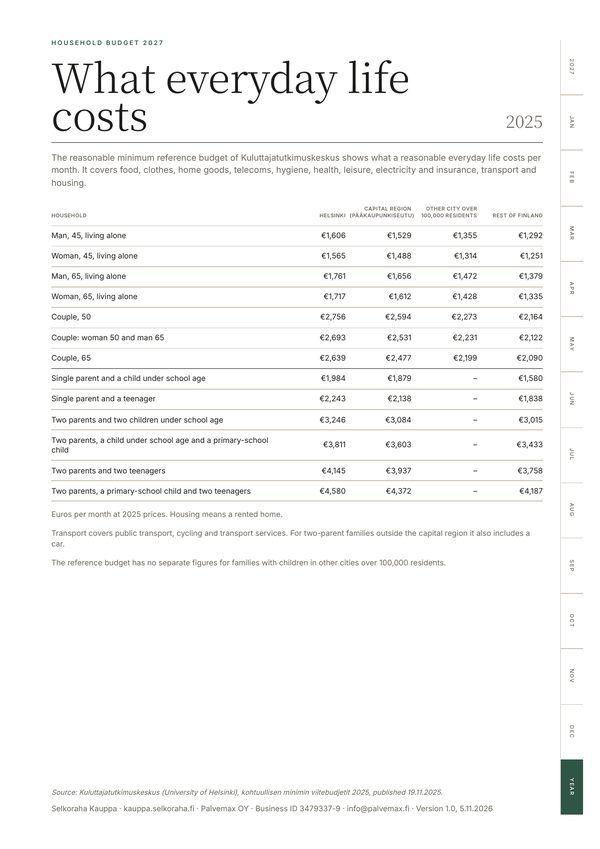
- 04A comparison with the reasonable minimum reference budget
- 05A printable 35-page A4 PDF book and an Excel guide with screenshots
Household budget 2027: Excel and a PDF book
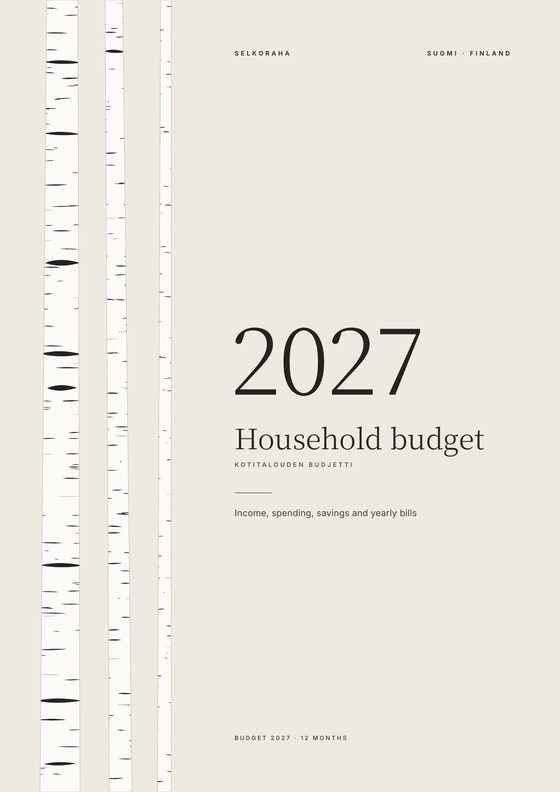
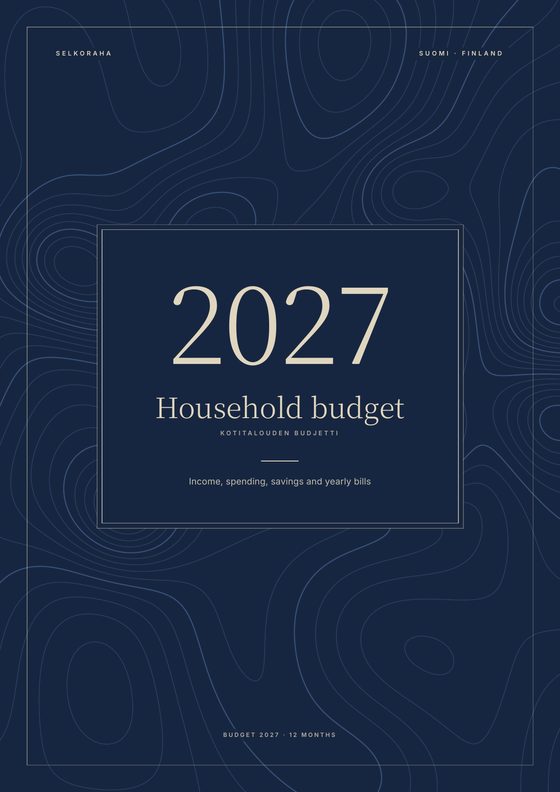
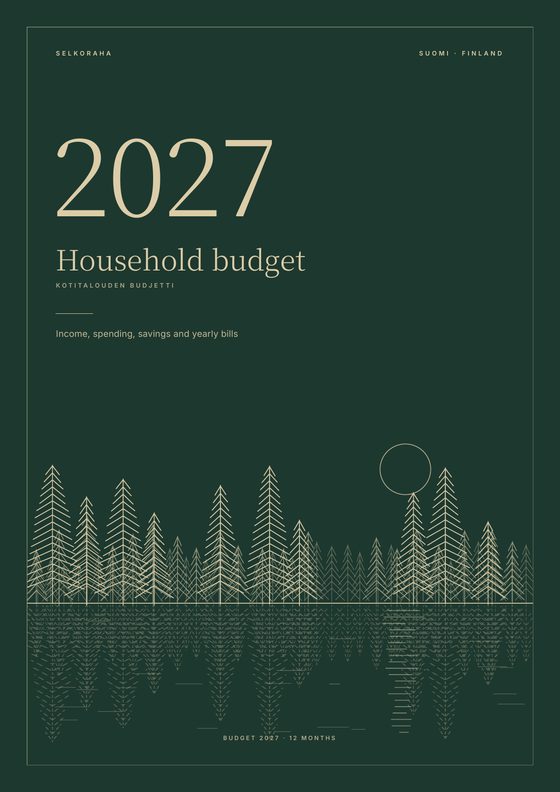
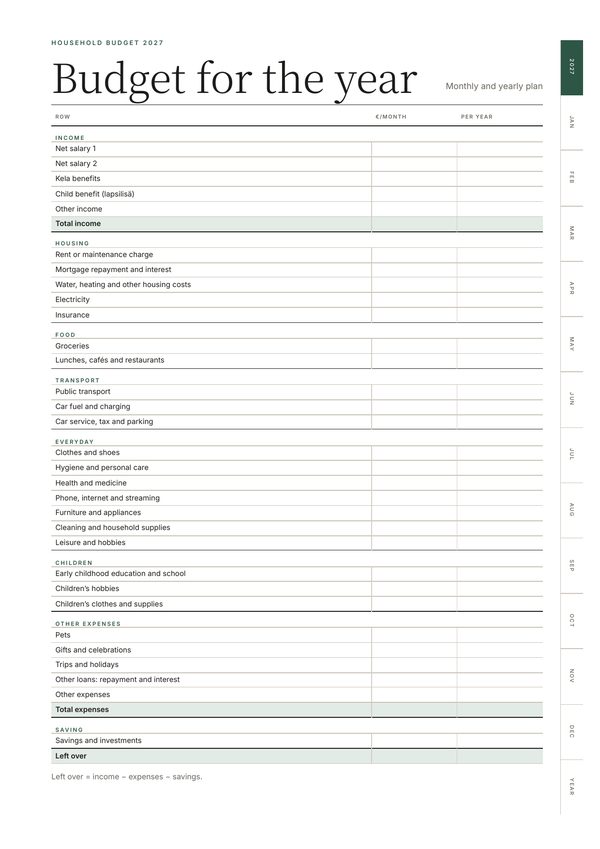
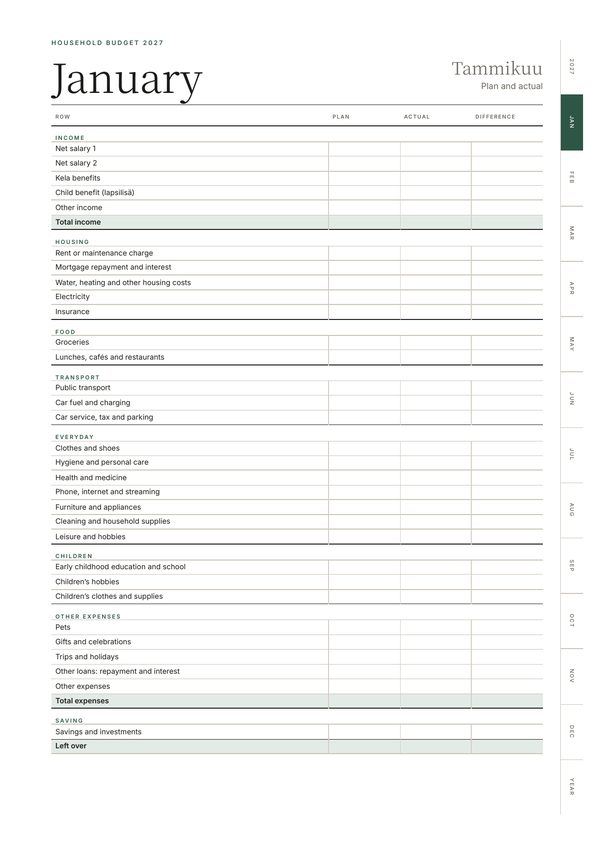
Choose a cover for the PDF book, and you get the files in English straight after payment. The Excel workbook has a plan for the year and the actual figures month by month. Enter the actuals as totals or single purchases, or paste in a bank statement and let rules sort the rows into budget lines. There are also savings goals, debts, the 2027 household deduction and a comparison with the reasonable minimum reference budget. The 35-page PDF book is for printing and filling in by hand.
Excel + PDF, 35 A4 pages + guide · in English · €9.90 incl. VAT
You pay on Stripe’s secure checkout page by card, Apple Pay or Google Pay. The seller of record is Link, Stripe’s payment service, so your receipt comes from Link by email. You can download the files as soon as you’ve paid, and we’ll email you the link too.
Made by Palvemax OY (business ID 3479337-9), info@palvemax.fi. Terms of sale
Pages from the PDF book
The Excel workbook
How you get the files
Choose a product
Each product page tells you what’s inside, how many pages it has and which language it’s in.
Pay securely
You pay on Stripe’s secure checkout page by card, Apple Pay or Google Pay. We never see your card details.
Download straight away
The download link opens right after payment and also arrives by email. It works for 30 days.
Questions and answers
What format are the products in?
They are PDF files and Excel workbooks, and the business calendar also comes with calendar files (.ics) for your phone. Each product page lists the files in the purchase, the number of pages and the language. The Excel workbooks also work in LibreOffice Calc.
Can I cancel a purchase?
You can’t cancel the purchase of a file once the download has started and you agreed to this before paying. If the file won’t open or contains an error, we’ll send you a corrected file or refund you.
Who is the seller?
The seller of record for the payment is Link, Stripe’s payment service: it takes the payment and sends your receipt. The products are made by Palvemax OY (business ID 3479337-9), which is responsible for the content of the files.
What if the download link doesn’t work?
Email info@palvemax.fi from the address you used at checkout and we’ll send the file again.
How is CV Pro different from the other products?
CV Pro is not a download but an online editor on Selkoraha.fi. You buy 7 or 30 days of access in your CV Pro account and download your CV and cover letter as PDFs during that time. You can withdraw from the purchase within 14 days; the details are in the terms of sale.